Account
The Account page allows you to view and update your user information and credentials.
It has three tabs: Overview, Edit contact details and Authentication settings.
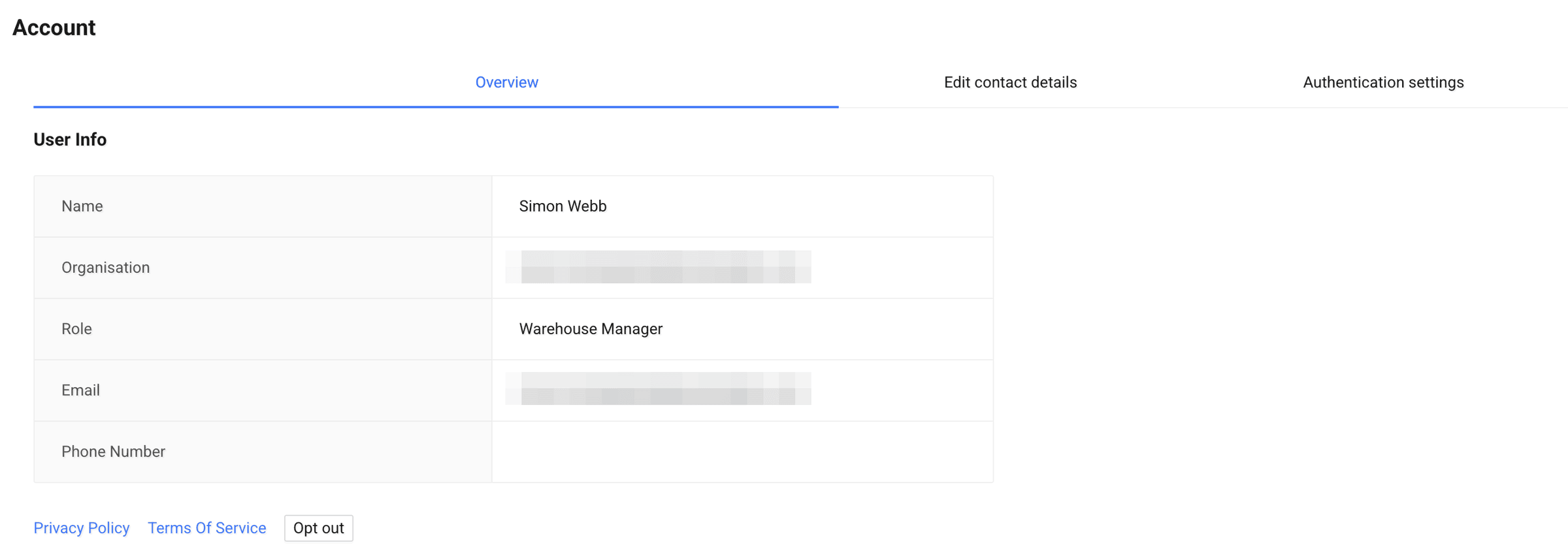
User info
This section displays read-only information about your account:
- Name
- Organisation
- Role
- Email
- Phone number
Update profile

You can update your personal details:
- First Name
- Last Name
- Phone Number
Click Save to apply changes.
Authentication settings
The Authentication settings tab is where you add a passkey, set up an authenticator app, change your password and turn Multi-Factor Authentication on or off. See Authentication Settings.
Additional options
- Privacy Policy — view privacy terms
- Terms of Service — view usage terms
- Opt out — manage participation preferences
Warning
Make sure to save changes before leaving the page, otherwise updates will be lost.