Exports
The Exports page provides access to all generated export files.
You can use this page to:
- view previously generated export files
- filter exports by name and date range
- download exported files
- delete outdated or unnecessary exports
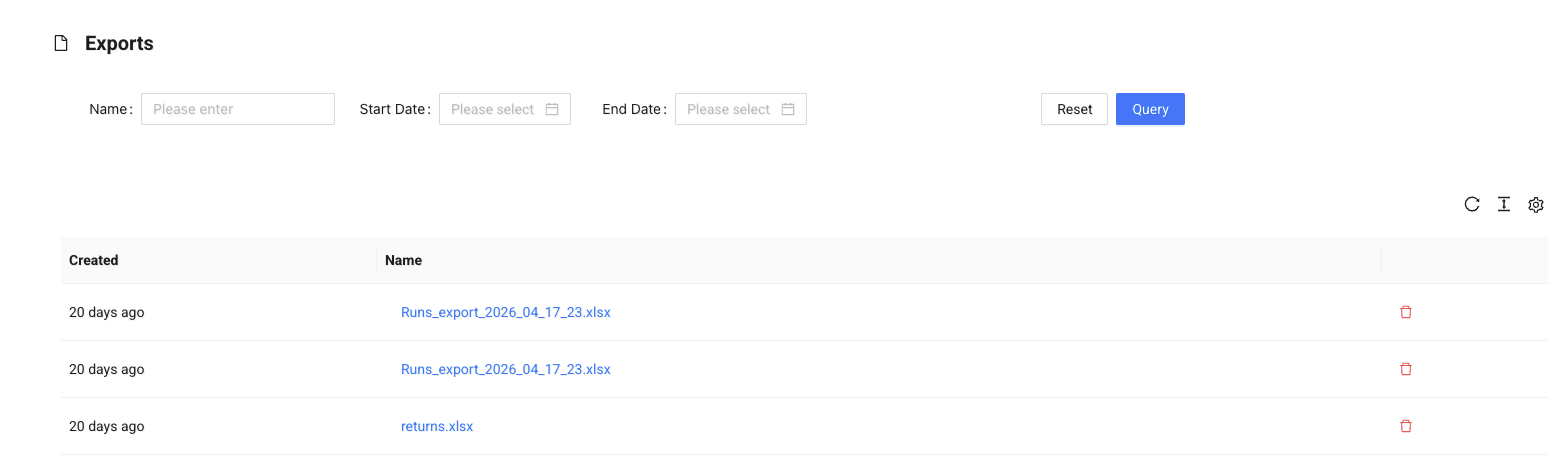
Filters
At the top of the page, you can filter the export list using:
- Name — search by file name
- Start Date / End Date — filter by creation date range
Click Query to apply filters or Reset to clear them.
Export list
The results table displays:
- Created — when the export was generated
- Name — file name (click to download)
Exports may include data from various modules, such as:
- runs
- jobs
- units
- containers
- returns
- KPI data
Actions
- Click the file name to download the export
- Use the delete icon to remove an export file
Info
Export files are generated from other sections and stored here for later access.