Install The Driver App
For a driver setting up a new phone, or an IT admin rolling the app out across a fleet.
Getting the app
Download the Tarot Routing Driver App from your platform's store:
The app is free and needs no account of its own — a driver never creates one. Both platforms run the same app, app.tarotrouting.runsheetapp, at the same version number.
What the phone needs
The app needs a working camera, for scanning run sheets, barcodes and proof photos, and location services. Location isn't optional: the run depends on it rather than merely using it, since your position is what your planner and your customers see while a route is active.
First launch
On first launch, accept the privacy policy and terms, then allow the permissions the app asks for. Set location access to Allow always rather than While Using — the app shares your position with your dispatcher and any customers waiting on a delivery from when you press Start Route until you press End Route, including while the app is in the background, so the weaker setting will drop that tracking the moment you switch apps.
Before any run sheet is loaded, the home screen shows three buttons: Planner Login, Scan a runsheet and Pre-Scan.
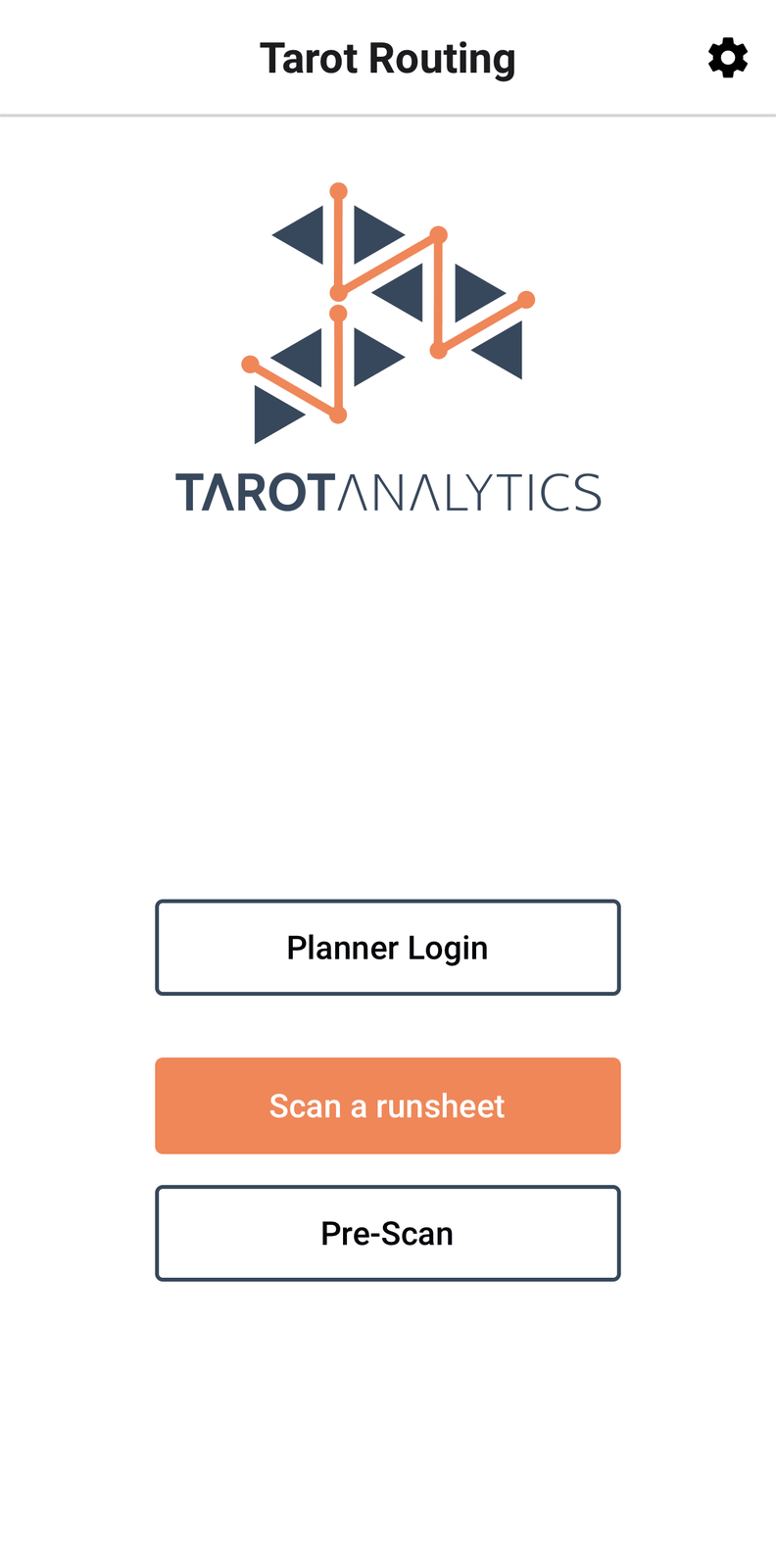
Planner Login is for a planner using the app in planner mode — not for drivers. A driver's next step is loading a run.