Returns
Use the Returns section to create and track returned items in Tarot.
Returns are typically used when something needs to be sent back after delivery.
Create Returns
Use Create Returns to manually add new returns.
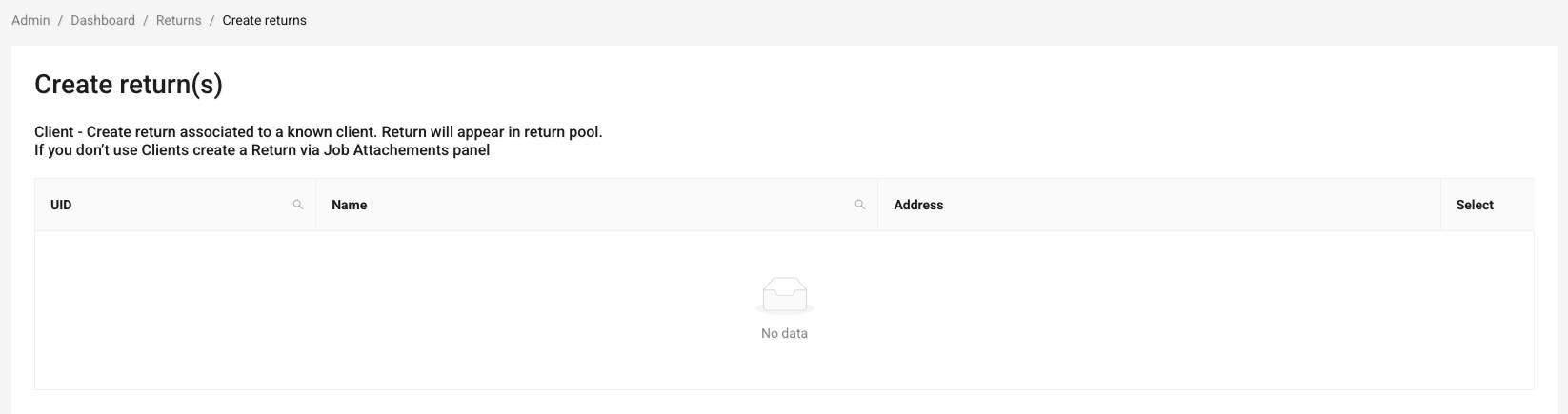
Here you can:
- select a client (if applicable)
- add one or multiple return IDs
- include comments if needed
Each return you create will appear in the return pool and can later be processed in routing.
Note
Most returns are typically created through the Driver App during delivery operations.
For more information, see Driver Mobile App Quickstart
Search Returns
Use Search Returns to find and review existing returns.
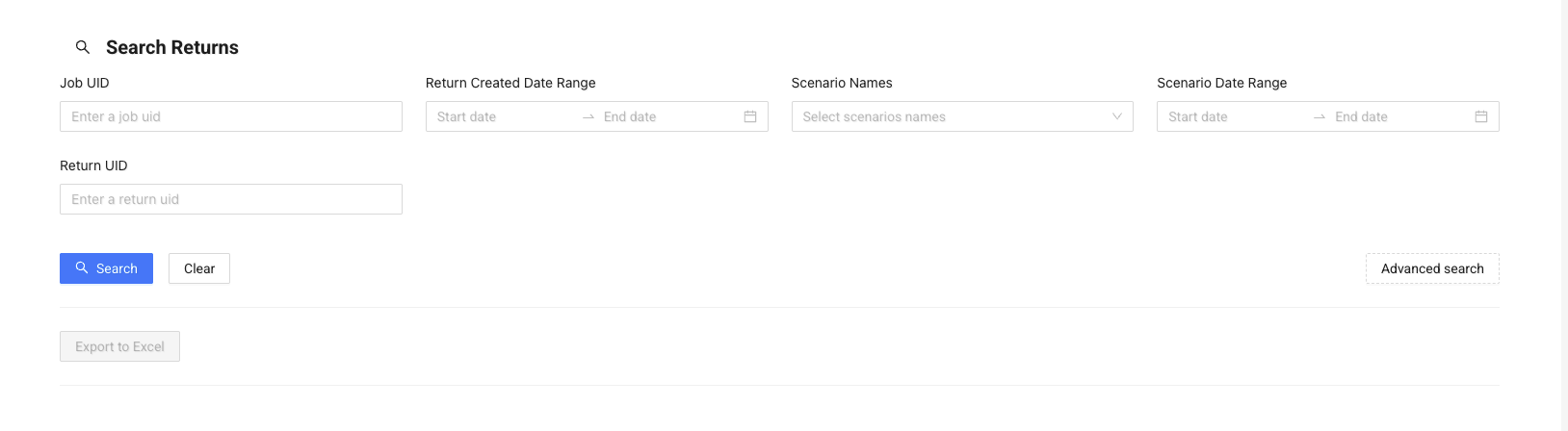
Here you can:
- search by job ID or return ID
- filter by creation date
- filter by scenario or scenario date
For more precise results, use advanced search.
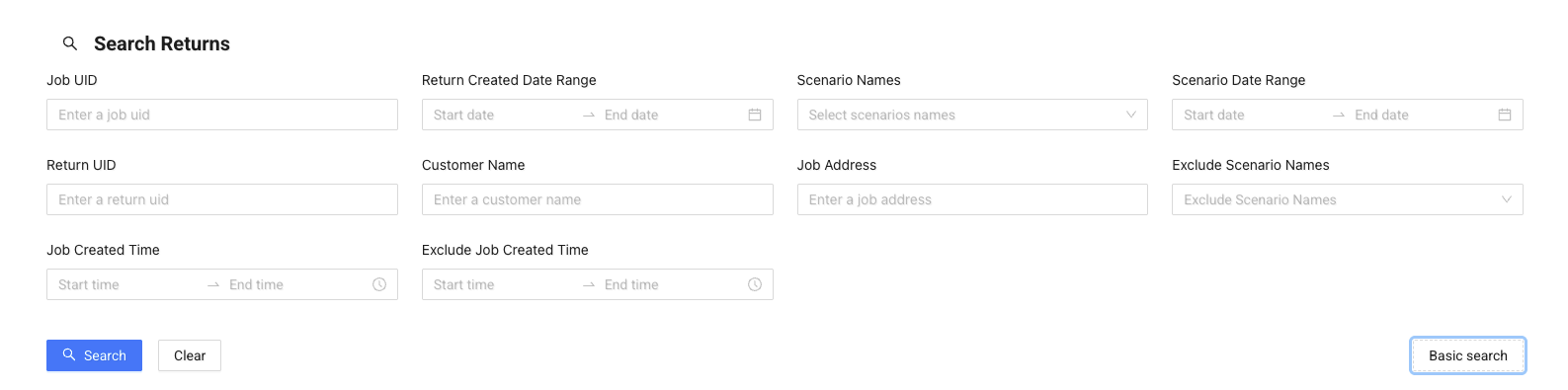
Advanced filters allow you to:
- search by customer name
- filter by job address
- include or exclude specific scenarios
- filter by job creation time
Note
Use filters before exporting to avoid downloading too much data.
From the results list, you can:
- review return statuses
- see related job and scenario information
- open detailed view
Click Details to open full job information:
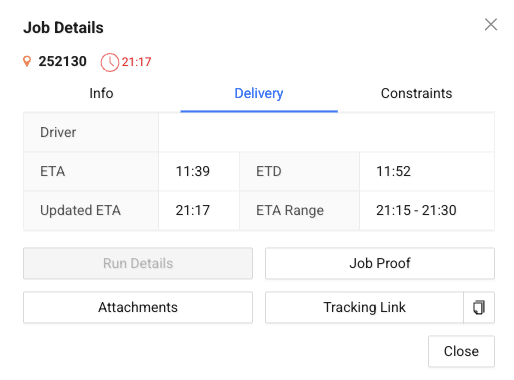
Inside the details view, you can:
- check general job information
- view delivery timing and status
- review constraints and requirements
- access attachments and proof of delivery
- open tracking link
Info
Returns are linked to jobs, so reviewing job details helps you understand the full return context.