Search Containers
Use the Search Containers page to find and review container activity.
Here you can:
- search containers by container UID, job UID, or unit UID
- filter by driver, scenario, customer name, or address
- filter by scenario date range
- export results to CSV
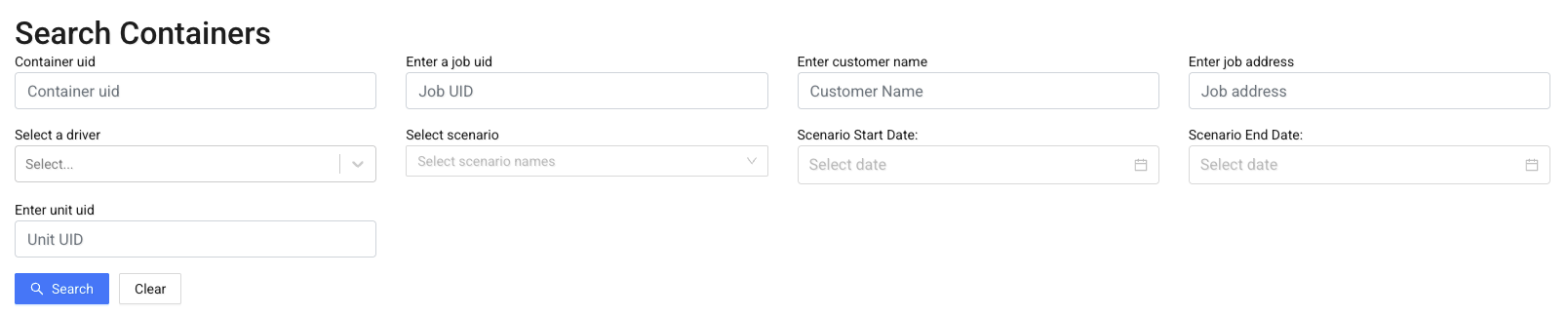
After running a search, results are displayed in a table.

The table includes:
- container UID
- assigned driver
- scenario and job information
- customer name and address
- proof status
- timestamp
Click Details to view proof information for a container.
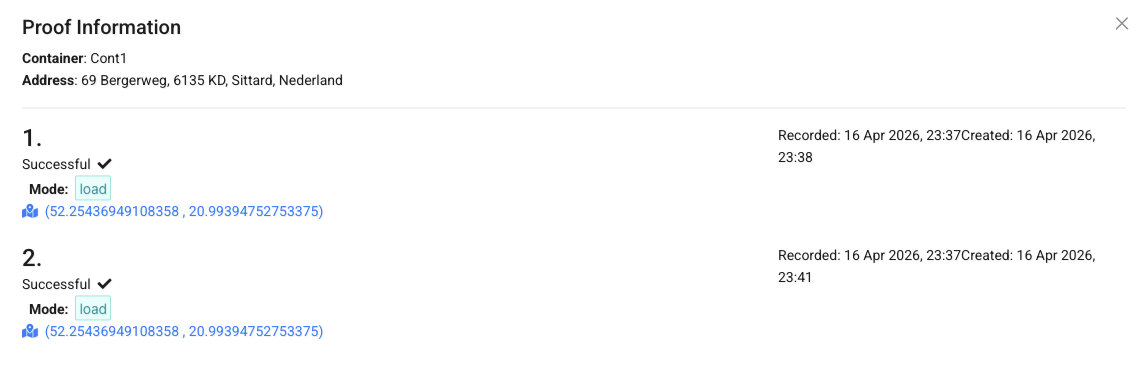
In the details view, you can:
- see proof records for the container
- check proof status (e.g. successful)
- view proof type (load, unload, etc.)
- review timestamps (recorded and created)
- access location coordinates for each proof
Info
A container can have multiple proof records depending on the number of actions performed.