Password Policy
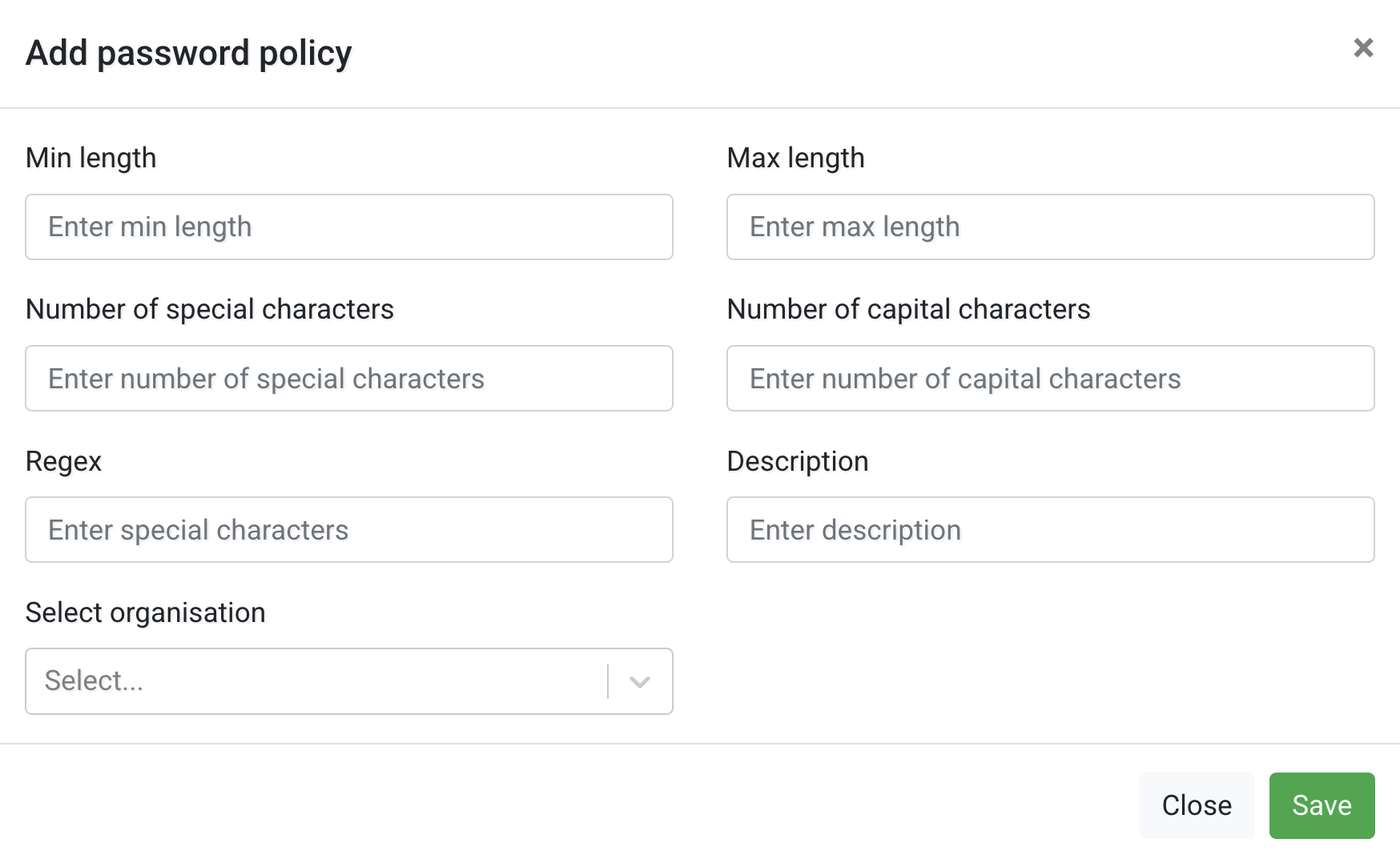
Use the Password Policy tab to define password requirements for your organisation.
This helps improve account security and ensures all users follow consistent password standards.
The table shows existing password policies, including:
- Min length – Minimum number of characters required.
- Max length – Maximum allowed password length.
- Special characters – Required number of special characters (e.g. !, @, #).
- Capital characters – Required number of uppercase letters.
- Description – Optional explanation of the rule.
You can edit an existing policy or create a new one using Actions+.