Job Tags
Use the Job Tags tab to create and manage tags that can be assigned to jobs.
Job tags help you visually categorise and filter jobs in Tarot.
You can see them in the Job Pool, Jobs Panel, Runs Panel, and Tracking Panel, making it easier to identify and manage specific groups of jobs.
Tags are often used to mark jobs such as “Carry Over”, “Oversize”, delayed jobs, or any other category that requires special handling, routing, or assignment to a specific scenario or vehicle.
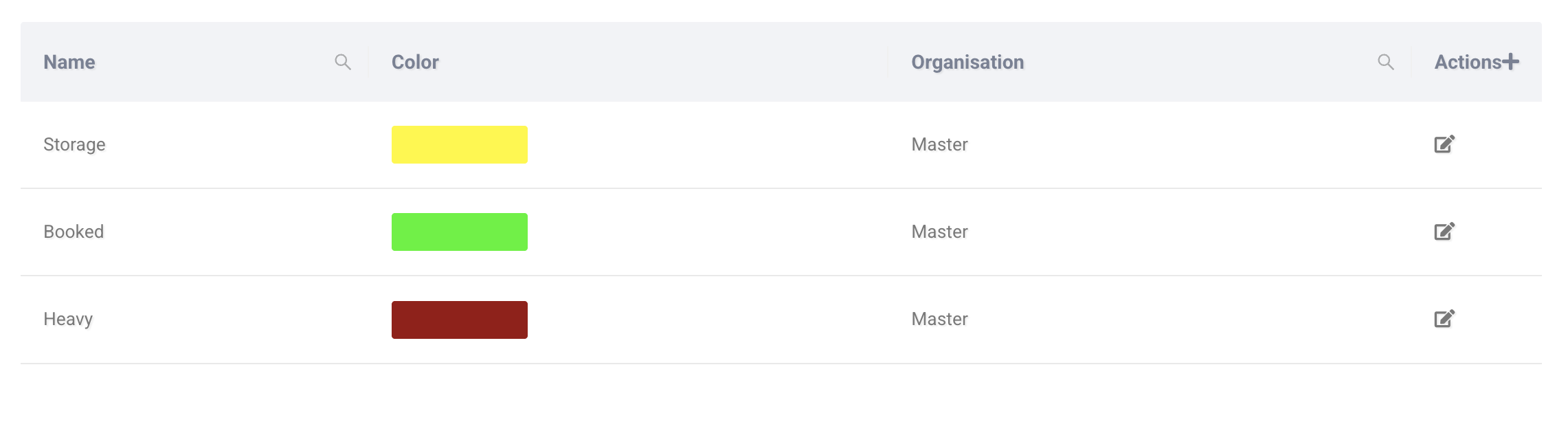
The table shows:
- Name – The tag label.
- Color – The colour used to display the tag.
- Organisation – The organisation the tag belongs to.
You can edit an existing tag using the edit icon.
Adding a Job Tag
Click Actions+ to create a new job tag.
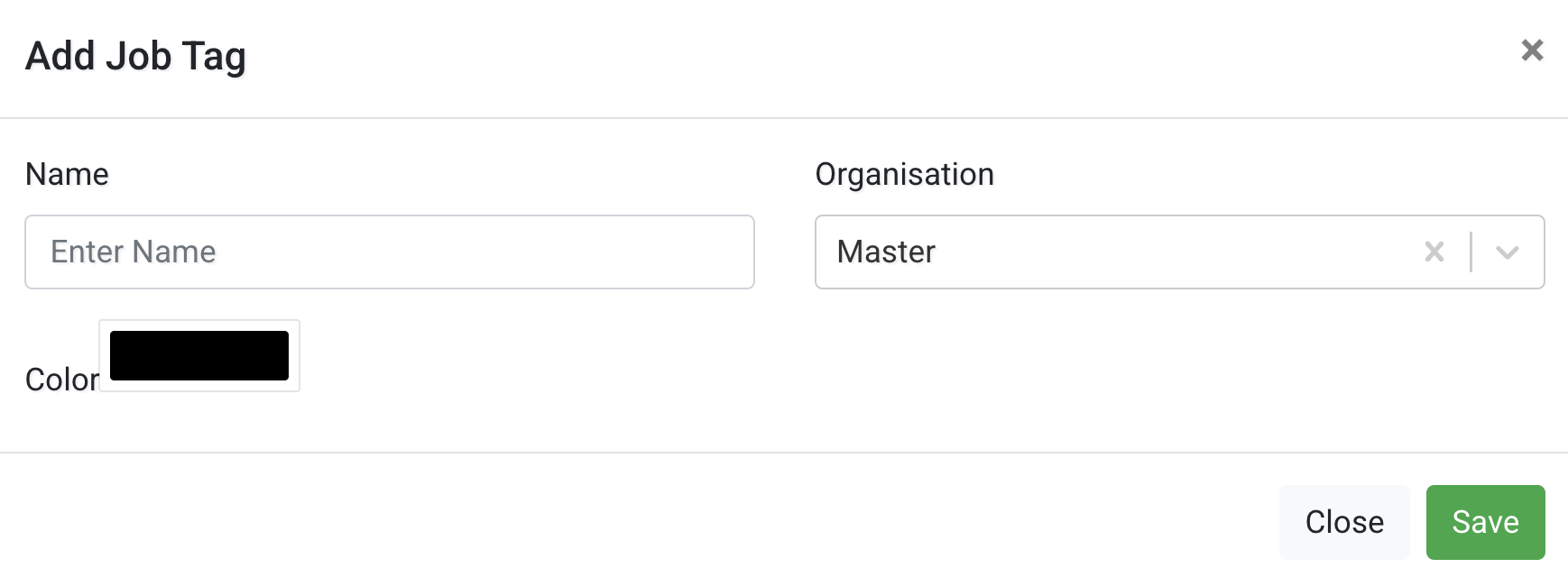
Configure the following fields:
- Name – The label that will appear on jobs.
- Organisation – Select which organisation the tag belongs to.
- Color – Choose a colour for visual identification.
After completing the fields, click Save.