Territories
Use the Territories tab to manage territories and territory groups.
Territories restrict which drivers can serve specific areas and allow you to structure planning geographically.
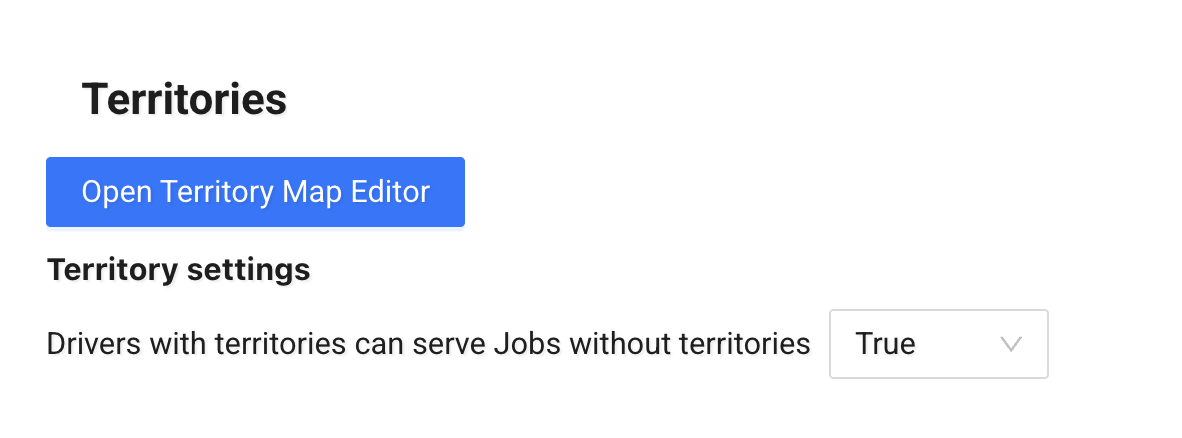
Open Territory Map Editor
Click Open Territory Map Editor to create or edit territories on the map.
This opens the Territory Builder — a separate feature where you can:
- draw territories using polylines
- define geographic areas
- assign territories or territory groups to scenarios
See How to use Territory Builder for detailed instructions.
Territory Settings
- Drivers with territories can serve jobs without territories
If set to True, drivers assigned to territories can also serve jobs that have no territory assigned.
If set to False, drivers will only be assigned to jobs within their defined territories.
Choose the option that matches your operational rules.
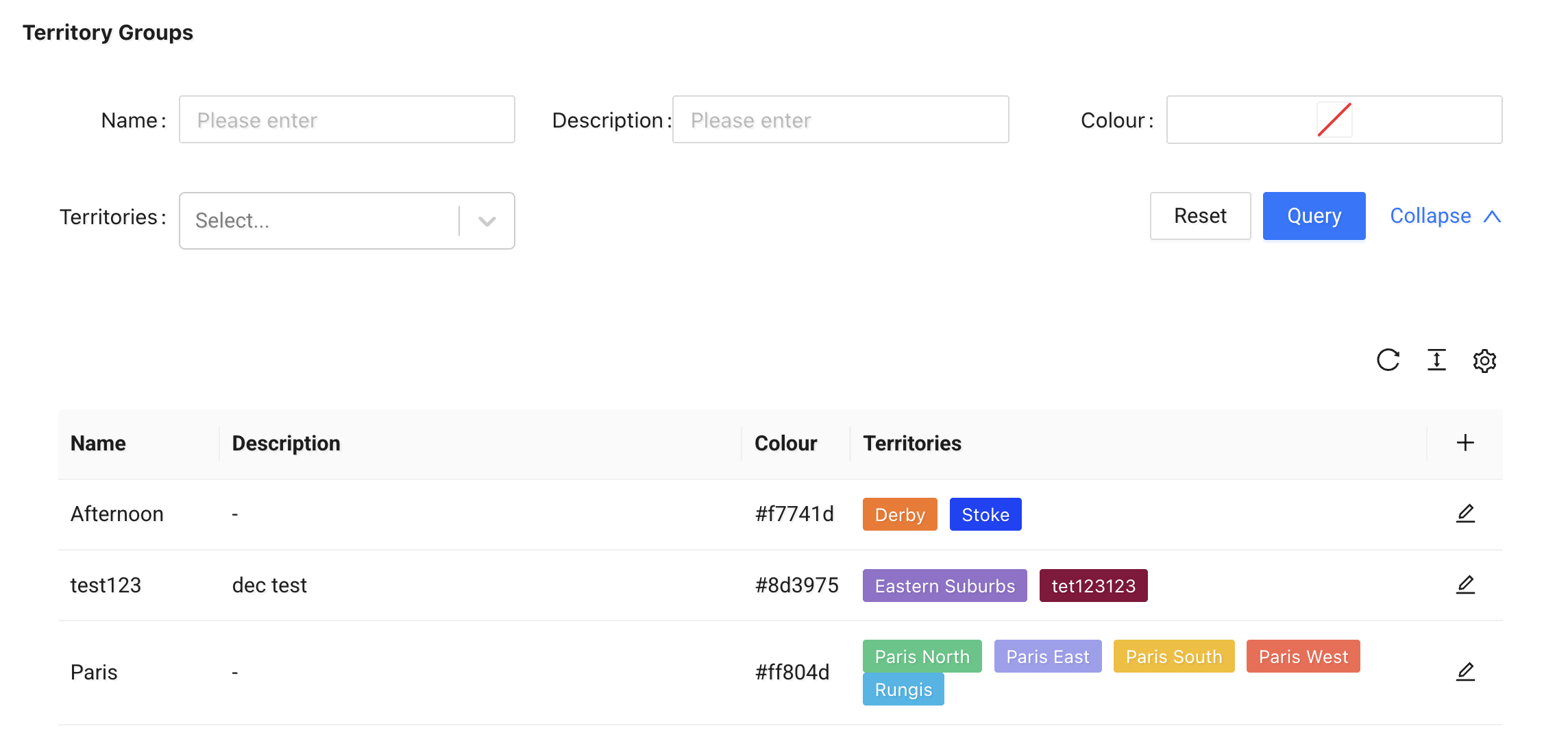
Territory Groups
Territory Groups allow you to manage multiple territories as a single logical group.
When you apply a Territory Group to a scenario, all territories within that group are applied to the scenario.
Each group includes:
- Name
- Description
- Colour
- Territories – One or more selected territories
You can create, edit, and manage territory groups from this section.
Territories
The Territories section lists all defined territories.
Each territory includes:
- Name
- Description
- Color
- IDM Job Limit (if configured)
From here, you can: - filter territories - edit existing ones - delete territories
Territories are created and shaped in the Territory Builder and then managed here in the Admin Panel.