SMS Configuration
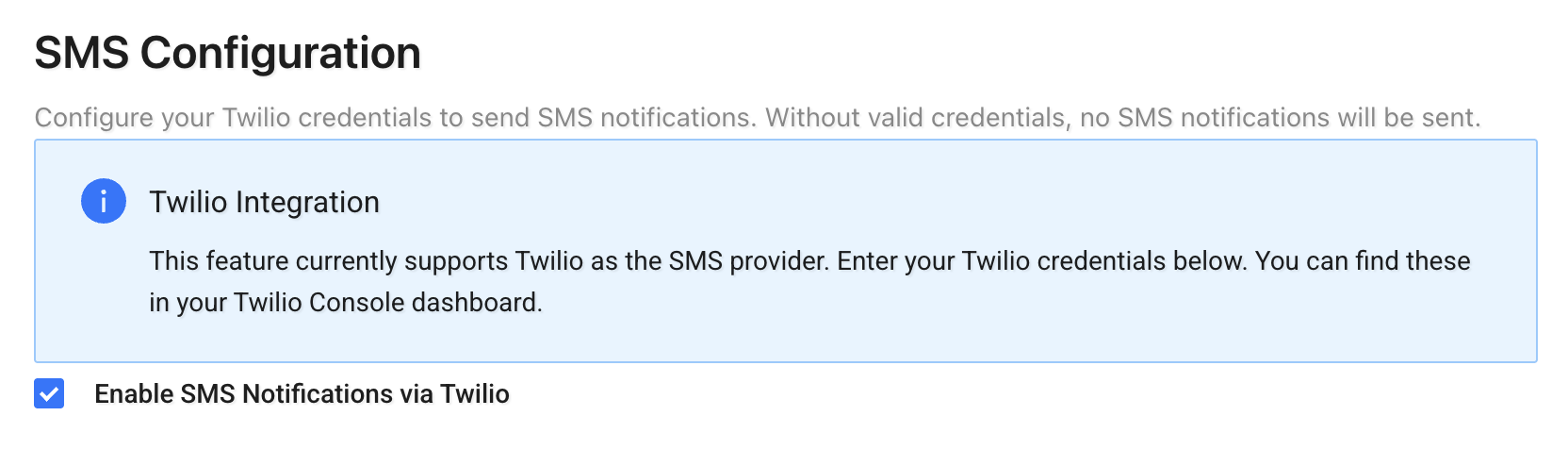
The SMS Configuration page allows you to enable and configure SMS notifications using Twilio.
This integration is required if you want the system to send SMS updates (such as reschedule notifications or tracking updates).
SMS notifications are typically configured and triggered through Events & Actions.
See also: Events & Actions
Twilio Integration
To send SMS notifications, you must:
- Enable SMS Notifications via Twilio
- Enter valid Twilio credentials
Required fields:
- Twilio Account SID
- Twilio API Key
- Twilio API Secret
- Twilio Sender Number (must include country code, e.g. +1234567890)
You can find these credentials in your Twilio Console under: Account → API Keys & Tokens → Account Info
How It Works
Once configured:
- SMS notifications will be sent using your Twilio account
- The sender number will be used for all outbound messages
- If credentials are invalid or missing, SMS notifications will not be delivered
Click Save Configuration after entering your credentials.
Important Notes
- The sender number must be purchased or verified in your Twilio account.
- Ensure your Twilio account has sufficient balance.
- SMS costs are billed directly by Twilio.